Title here
Summary here


May 1, 20263 minutes
Today we are releasing OpenFusionLauncher v2.2.0.
This release introduces three new features to the launcher to improve the user experience and reliability. Read on for more…
The old launch command box has been replaced by launch profiles. Instead of editing a single command, you can now create multiple named profiles (each with its own launch command) and switch between them as needed.
Some launch profiles are automatically set up for you, and if you had a custom launch command previously, it will be migrated to a new “Custom” profile.
This new system is more flexible and avoids the manual command edits previously required to play on macOS and Linux.
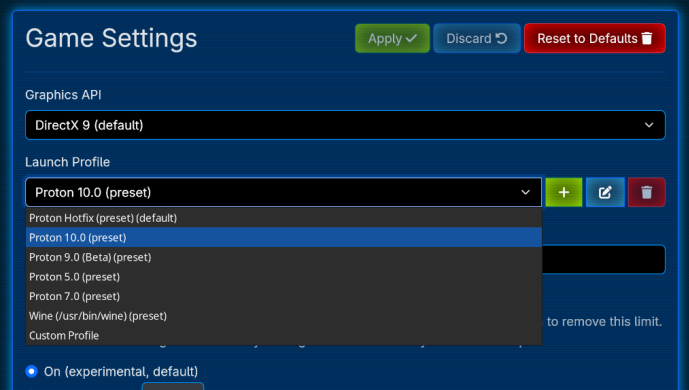
Additionally, we have changed how automatic detection of Wine and Proton works:
Lastly, if you do not have a launch profile set up, we will now display a clear error stating as such, reducing user confusion.
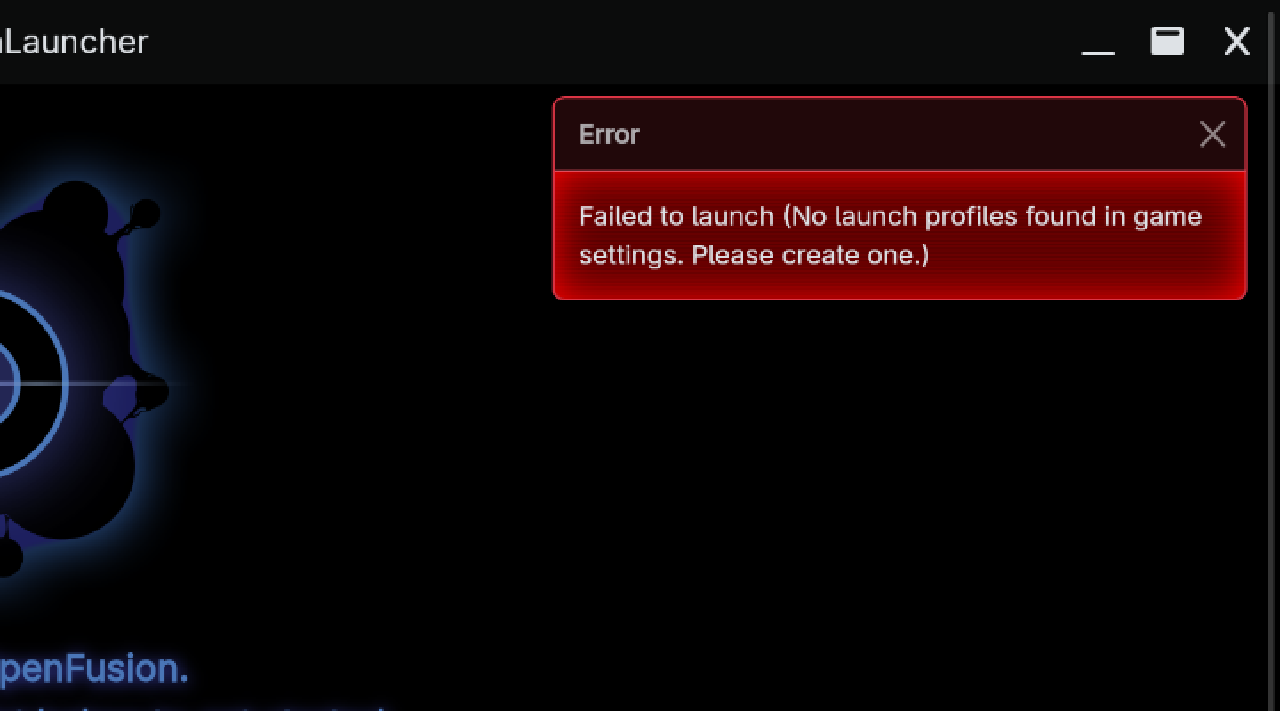
We will be writing up some additional documentation regarding launch profiles soon, but for now, we hope you appreciate this new addition.
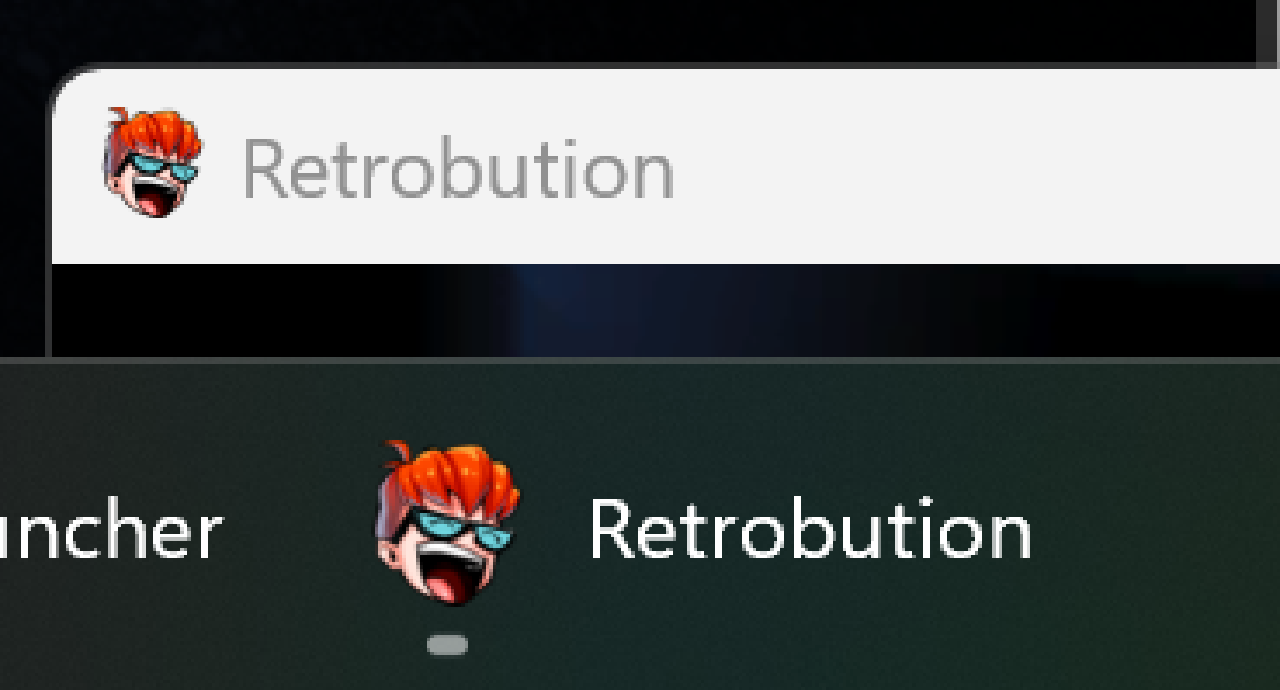
Endpoint servers can now set a custom in-game icon and window title. This reinforces each server’s identity and makes it easier to distinguish between multiple running game instances.
Being a nearly 20 year old game, FusionFall relies on some antiquated technology. One of those technologies is plaintext HTTP for downloading additional game assets. While that might’ve been common practice in the past, most web traffic today is protected by HTTPS. In fact, the OpenFusion Launcher already uses HTTPS for securely sending login information to compatible endpoint servers.
Plaintext HTTP is vulnerable to in-transit modification. If an ISP, public Wi‑Fi hotspot, or antivirus program alters or blocks an asset, the game may hang on the loading screen because it doesn’t receive the file it expects. We cannot (easily) update Unity Web Player to support HTTPS asset downloads, so we implemented a workaround: proxied asset downloading.
When the game requests to download an asset, it will now talk to the launcher instead of the internet. The launcher will then forward the request out to the destination over HTTPS, and give what it receives back to the game as a normal HTTP response.
We hope this resolves any download-related issues that you may be having. Proxied Asset Downloading is on by default and should have no downsides, but can be toggled off in Settings under the Launcher tab if you do run into issues.
Full changelog available here.
The launcher can be grabbed from our Downloads Page or the GitHub Release Page.