Title here
Summary here


November 1, 20263 minutes
We’re announcing the release of OpenFusionLauncher v2.4.0. It hasn’t been very long since the release of v2.3.x, but there are a handful of nifty improvements and a big new feature that we’re excited to share:
Packaged versions of the launcher (installed via either the Windows installer, Linux AppImage, or any MacOS build) can now update themselves whenever a launcher update is available. This means you no longer have to uninstall the old version and go to the OpenFusion website to install a new one.
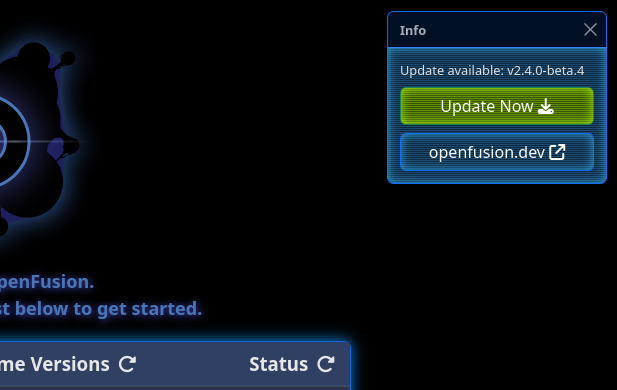
The update is downloaded within the launcher, and the launcher automatically restarts to apply it. It’s a seamless experience that makes it easier for our users to pick up fixes and new features. You can also opt-in to pre-release builds through the launcher settings page. Users using the portable builds of the launcher will still get update notifications, but must update through the website as before.
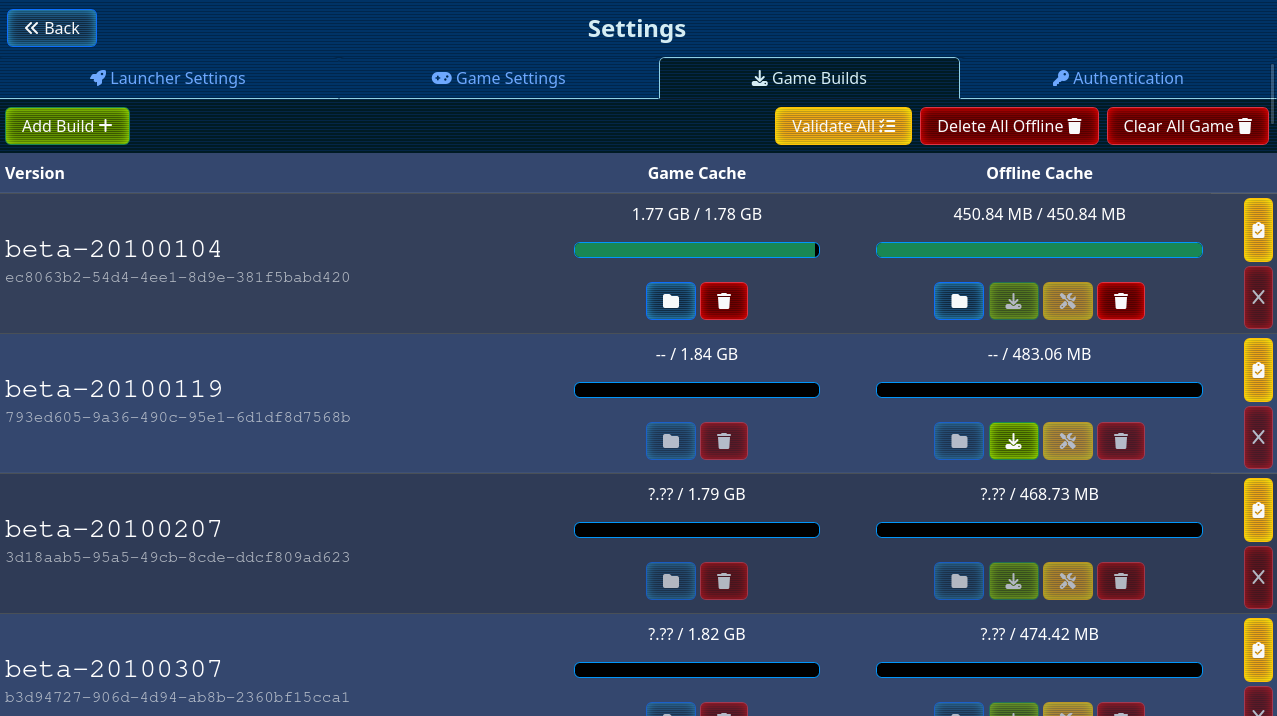
The game builds page no longer eats all of your CPU the minute you open it. Instead, you can validate builds by clicking the yellow “Validate” buttons next to each one you’d like to validate. You can also hit the “Validate All” button to queue them all up in one sweep, as before. Builds also show their size in the most relevant unit, instead of just GB.
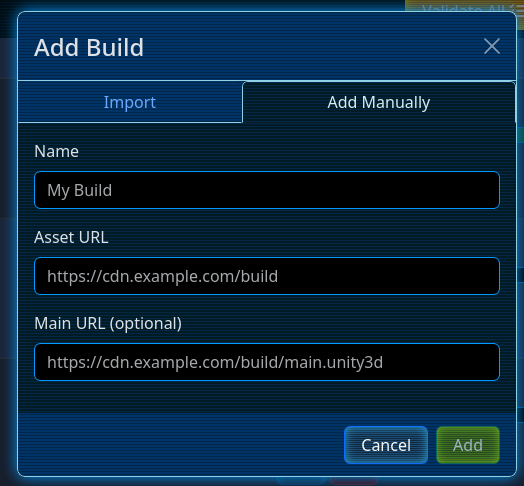
Manual game builds can now also specify a separate URI for the main.unity3d file. This is useful for builds that share an asset URL but have separate main.unity3d files.
If you do not specify the main file URI, the launcher will fall back to the default URI, rooted in the asset URI.
Previously, FusionFall shared its in-game settings with all other Unity WebPlayer games on the system. This caused all sorts of issues where vsync settings set by other games caused performance issues, particularly on the new 64-bit game engine. This has now been remediated: the launcher now keeps its own copy of FusionFall’s settings, so other games can no longer interfere with it. The launcher also automatically strips out harmful settings that may have been left by other games.
.desktop file creation on Linux) can now be disabled by putting OFL_NO_REGISTRATION=1 in your environment.main.unity3d files as corrupt for game builds that do not store it under the same asset URI.Full changelog available here.
The launcher can be grabbed from our Downloads Page or the GitHub Release Page.